MDB%20icon%20cloud_edited.png

MonetDB CLOUD 

Start your journey with MonetDB using Docker instances

​How does it work?​

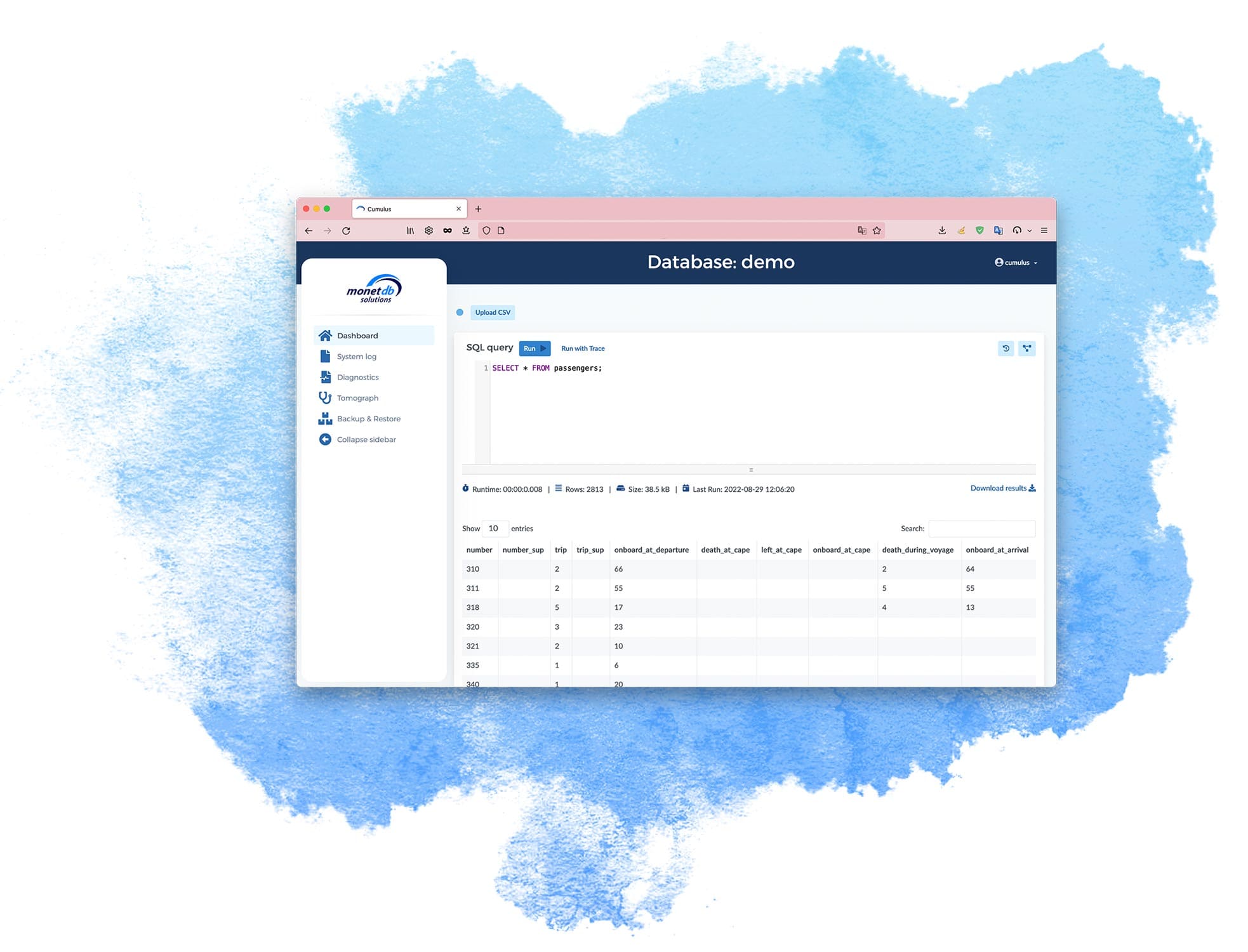
The MonetDB Cumulus repository contains the steps to set up a Cloud instance using a docker image. Once started, the virtual machine instance offers a web front-end to manage a MonetDB database farm, monitor resource behaviour, and perform backup/restore to a Cloud-native block store, e.g. AWS S3. The default installation uses the instance attached storage device, but you can attach a more durable storage device that hosts the dbfarm. The CumulusDB documentation contains the details for such cases.

What to expect?​

  • MonetDB Cumulus is a Cloud instance realisation of MonetDB.

  • MonetDB Cumulus manages a collection of MonetDB servers on a single instance.

  • MonetDB Cumulus comes with a web-based admin tool.

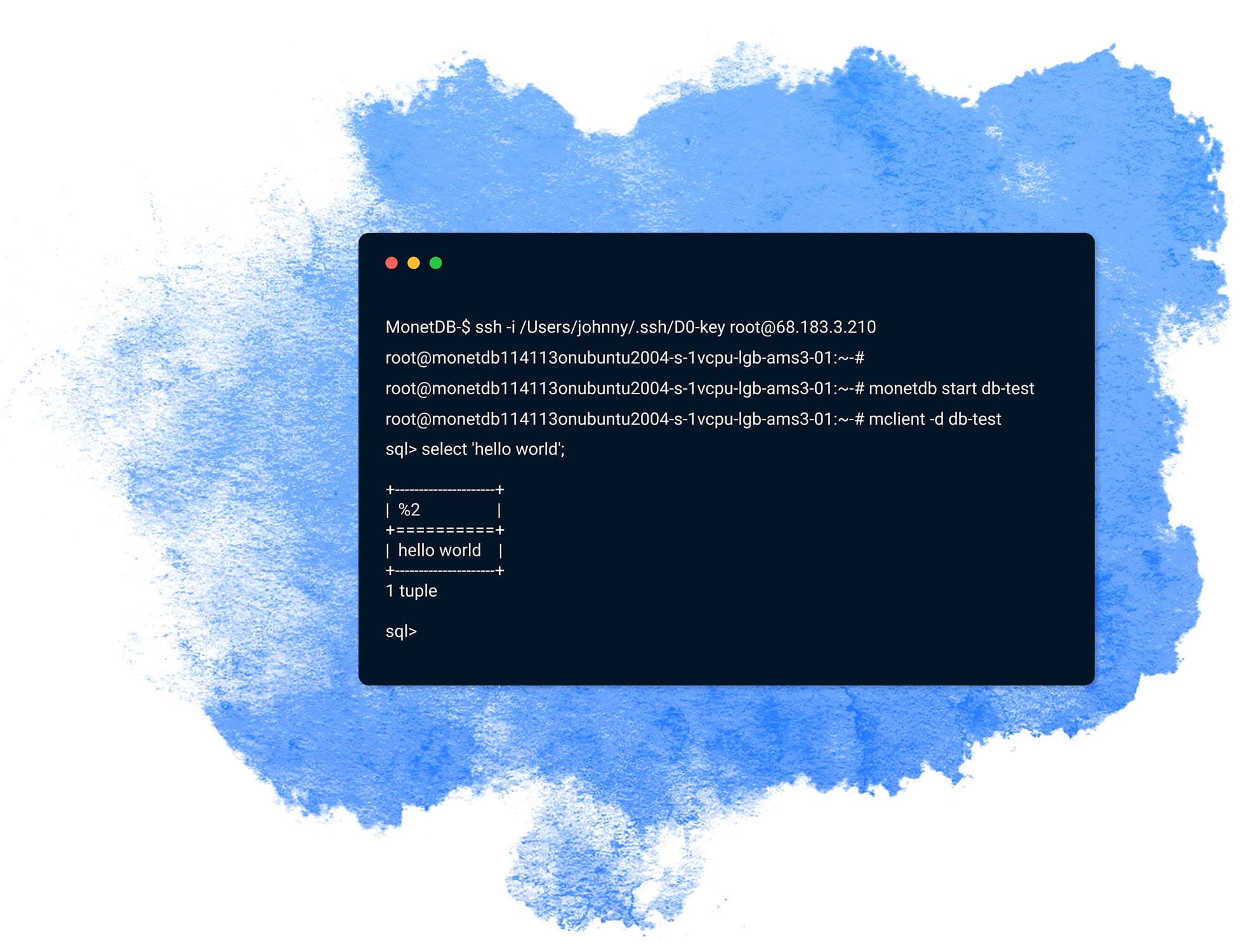
  • MonetDB Cumulus offers a simple SQL-text based backup/restore functionality.

  • MonetDB Cumulus provides easy backup/restore on AWS and Azure.

Which Cloud instance to pick?​

The instance size has an impact on your performance experience. For most use cases we suggest starting with an instance of 4-8 cores and at least 16 GB RAM. The more resources you select, the larger the in-memory processing behaviour is experienced. For external storage, we suggest an attached  NVMe or SSD with high IOs.

What does it cost?

You simply signup for any of the supported Cloud service providers and launch an instance to experiment with MonetDB Cumulus. A small fee for using the Docker instance is charged to enable the open-source team to further develop the products. For support, we refer to Stackoverflow for community help and our service offerings for business support.

Google Instance

Available soon..